
-
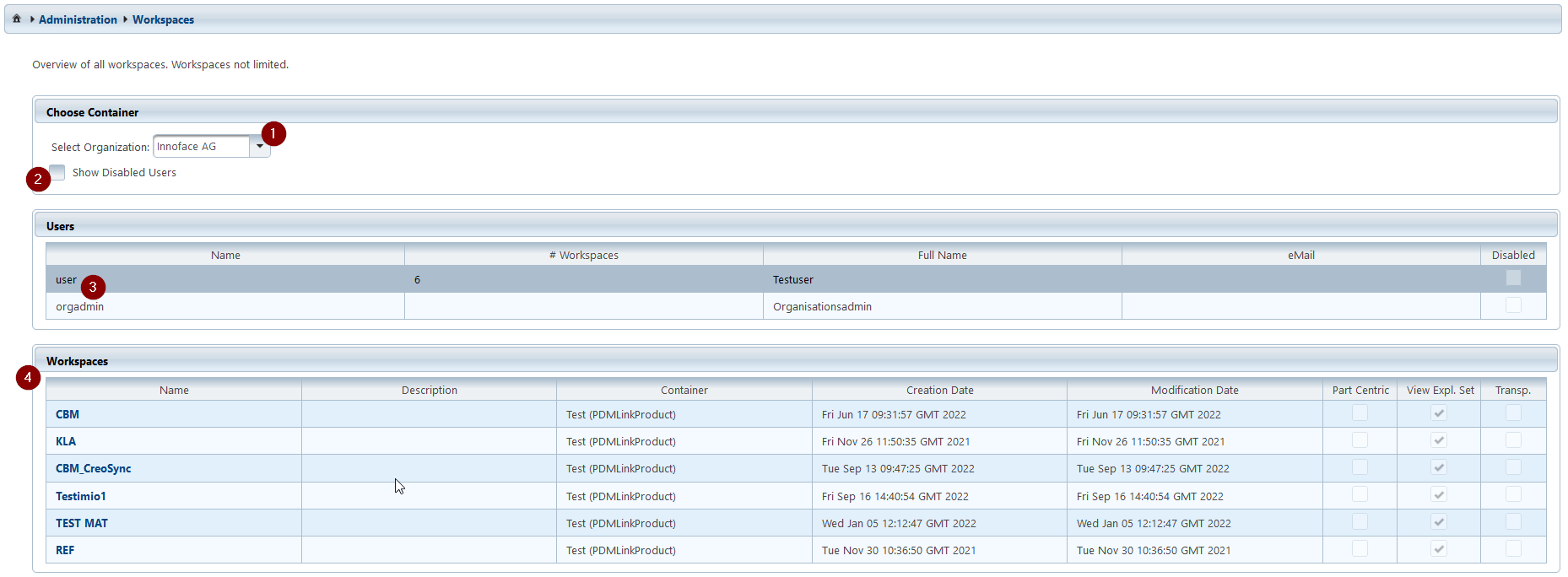
Selection of the organization for a list of users within this organization.
-
Checkbox, in case blocked users should also be displayed.
-
Selection of a user.
-
The currently available workspaces of the user are displayed. Navigating to one of these workspaces is possible by clicking on the name of the workspace.