To transfer configurations or data from the Key-Value-Store to another system, they can be exported as a file.
The entries, which should be exported, have to be selected in the table. Afterwards, the Export can be started.
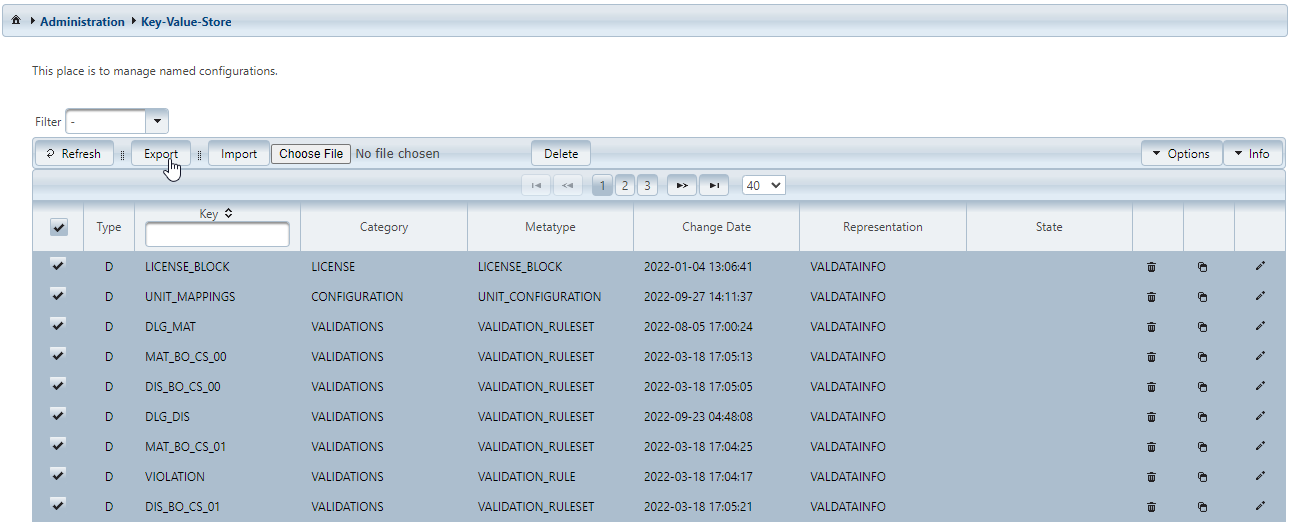
The download of a file named keyvalue_export.dat, or rather, since IFConneX 2.20 keyvalue_export.xml, should begin.
The downloaded file can now be imported in the same or a different system.
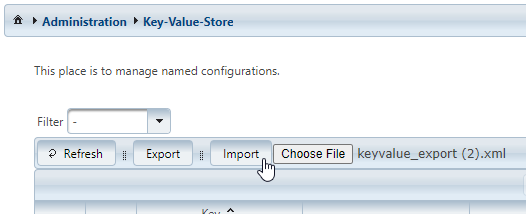
To do so, use Choose File to select the file previously exported. The import begins by selecting Import.
Before IFConneX 2.20, the import of *.dat is possible.
Since IFConneX 2.20 the import of *.dat or *.xml is possible.
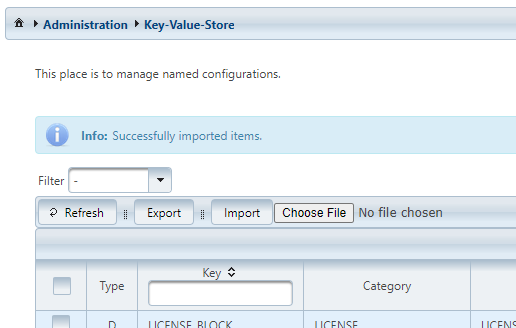
After the import succeeded, a message is displayed above the table.