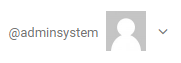
The page header displays for all pages.

The left side shows the product name of the ReleaseEngine cockpit. In the middle, find the special name of the system, which can be specified by the administrator in the Default settings .

The icon with the 3 bars (so-called burger menu) allows the left main menu to fold in or out.

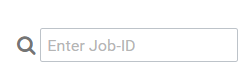
The input field with the magnifying glass icon allows the direct entry of a job ID. If an existing job number is entered here, the program jumps to the corresponding job directly after pressing the Enter key. If there is no job with the ID, it outputs a corresponding message.
The right-hand part of the header shows the logged-in user name. The Down arrow opens the settings menu for the user.