
Messages in the Windchill banner can be defined by configuration.
The messages are stored in the database, thus they are active for all cluster nodes at the same time. No files need to be changed on the server.
The settings are located in the category INNOFACE → IFConneX → Main settings.
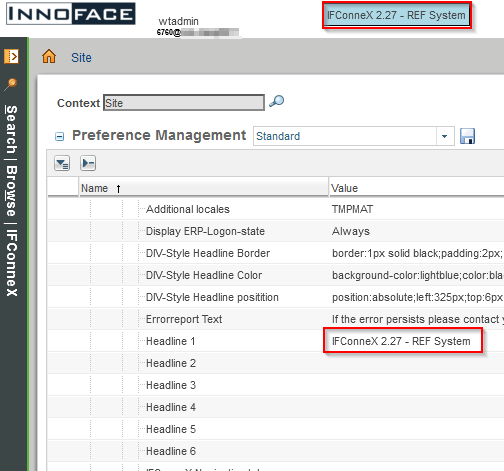
The page has to be refreshed (F5), in order to load the banner.
Line break
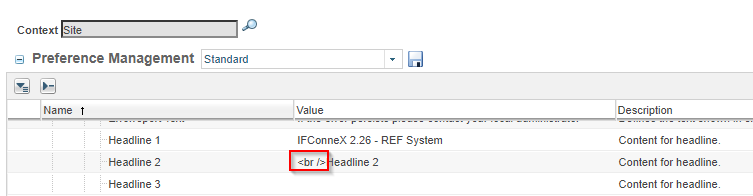
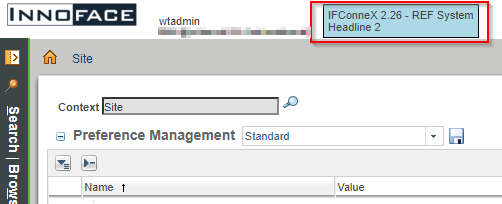
Because Windchill limits the settings each to 80 characters, headline 2 - 6 are available, to configure a longer text. No line breaks are inserted in between the lines. A line break can be inserted via HTML code (<br/>).
Text format
The text format (color, background color) can be defined in the same category:
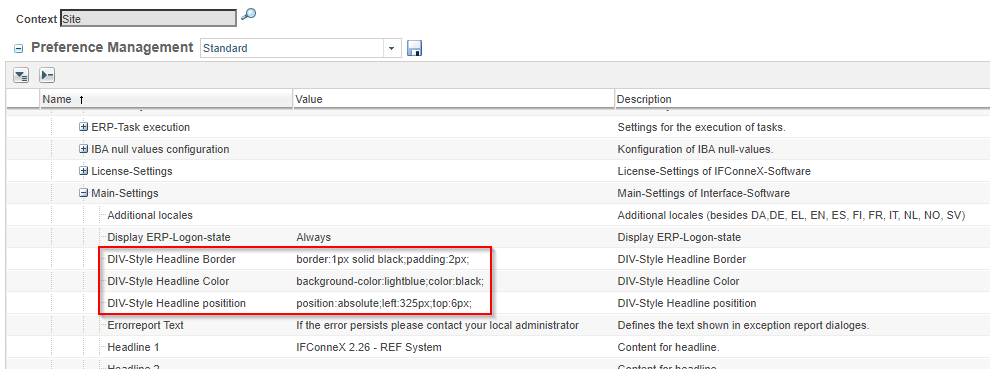
These settings are optional.