
Logon to Windchill
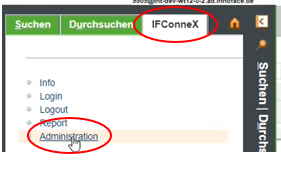
The menue "Administration" needs to be selected in the „IFConneX“ tab
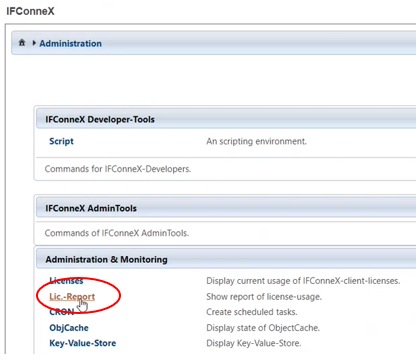
To generate the license report, "Lic.-Report" has to be selected.
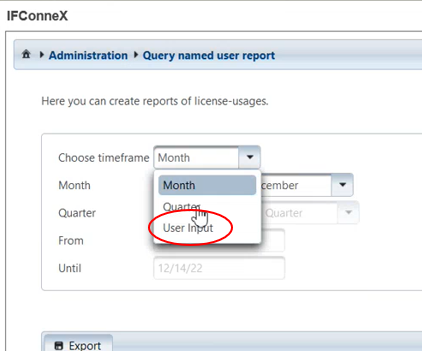
A time period can be defined by choosing "User Input". Starting with the current date, one year backwards has to be selected.
The Export function is used to generate an lrf-File.
Afterwards, this file should be sent to renewals@innoface.de.
If required, the Renewals-Team is happy to answer any questions.