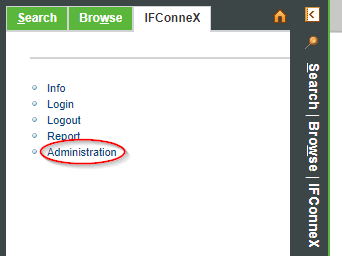
The IFConneX license can be imported in Windchill in the area IFConneX→ Administration.
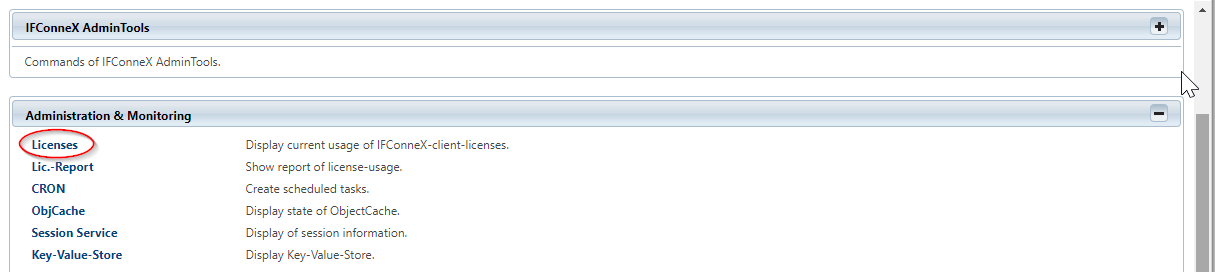
The menue item licenses is located in the category Administration & Monitoring.
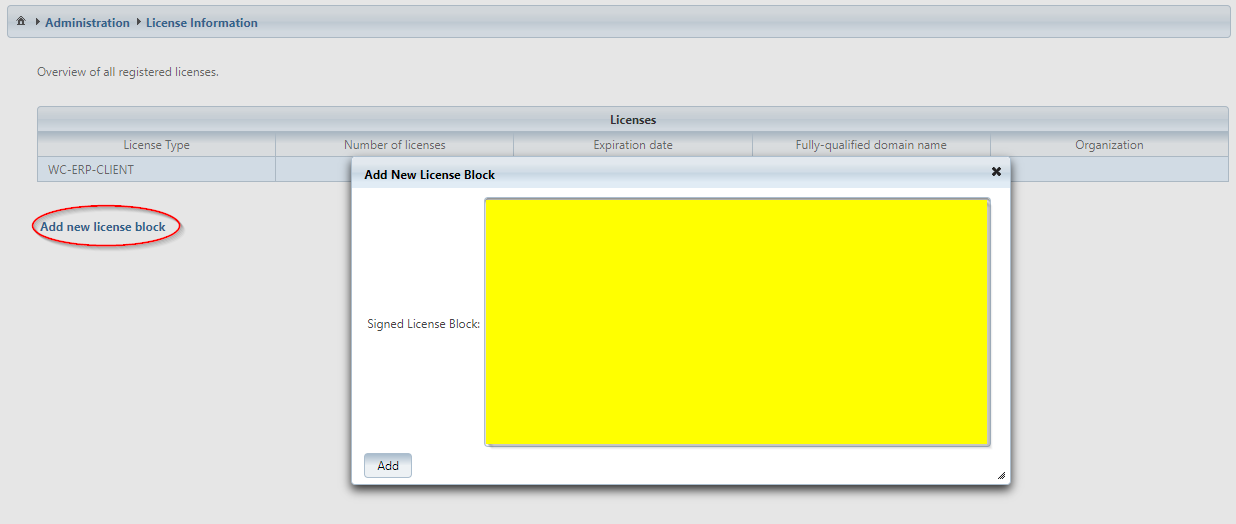
The link Add new license block has to be clicked. The entire text of the license has to be pasted into the yellow marked window. At last, the license is confirmed by pressing the button Add.
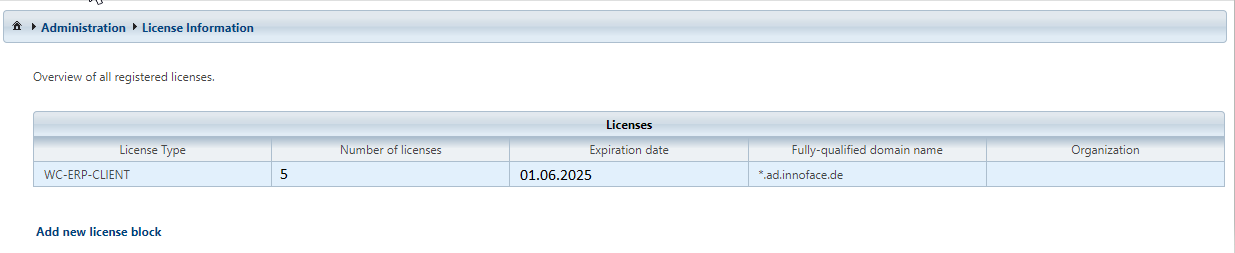
In the table view, the user related licenses are displayed. License type, number of licenses, and the expiration date can be found here.