
SAP JCo 3.1.3 or higher is required to use SSO. Earlier versions contain a bug that prevents SSO from working.
The following steps must be carried out:
-
Open the SAP Software Center: https://launchpad.support.sap.com/#/softwarecenter
You must log in as an S-user with sufficient access rights.
-
Search for SAPSSOEXT and download the latest version for the appropriate architecture.
-
For IFConneX, you must download the version for the operating system on which Windchill is running.
-
For the ReleaseEngine, you must download the version for the operating system on which the Release Engine is running.
-
-
Extract the contents of the .SAR file to a separate folder using the SAPCAR tool.
SAPCAR Dienstprogramm herunterladen, falls bisher nicht geschehen:
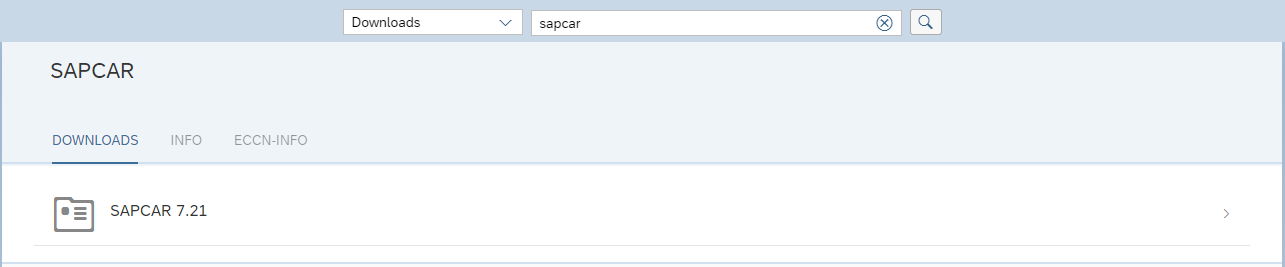
Execute the following command with the customized file and directory names:
SAPCAR.EXE -xvf SAPSSOEXT.SAR -R C:\Temp\sapssoext
-
Once the required folders/files are available, the directory containing the following files must be copied to the target system.
|
For Windows systems, these are the files:
|
|
For Linux systems, these are the files:
|
The libraries required for use must be available and installed, e.g., Microsoft C++ Redistributable 2010.
Info
-
The path on the target system can be freely selected.
-
Windchill and the ReleaseEngine require read access to the files.
-
The path should not contain any spaces or special characters and must be communicated to INNOFACE, as the path must be specified in the configuration of IFConneX or the ReleaseEngine.