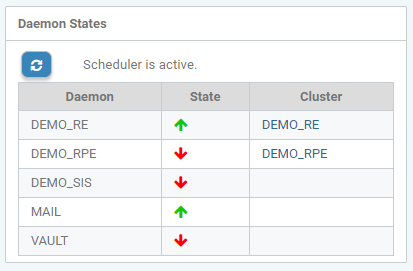
In the section Daemon Status, the daemons known to the system are listed with Daemon Name, Cluster Name and Daemon Status.
Note:
Only RE daemons can be assigned to a cluster. SIS, Vault, and Mail daemons do not have a cluster.
The current status is displayed by an icon:
|
Icon |
Description |
|---|---|
|
Green arrow UP: |
Daemon is active and running. |
|
Red arrow DOWN: |
Daemon has stopped or is no longer sending any feedback signal. |
|
No icon: |
The daemon has never been run. |

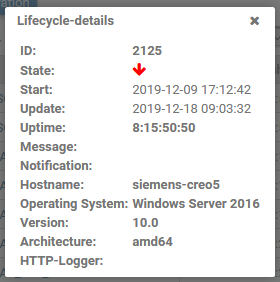
By clicking on an arrow, the last known status and the lifecycle details of the associated daemon are displayed.