
Konfigured and referenced queues can be tested with this command.
Each referenced queue can be selected in this overview for a test.
The test is initiated by clicking Start Queue Test.
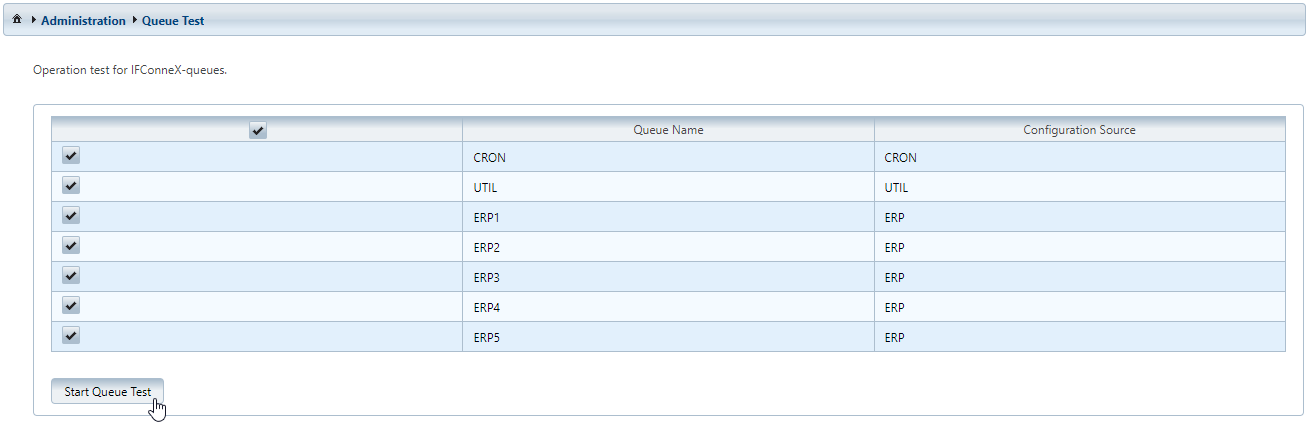
The columns in the table display the following values:
-
The name of the queue is displayed in the column Queue Name.
-
The column Configuration Source describes the context of use.
By running the tests, an own task is created for each queue, which creates a notification for the administrator in return.
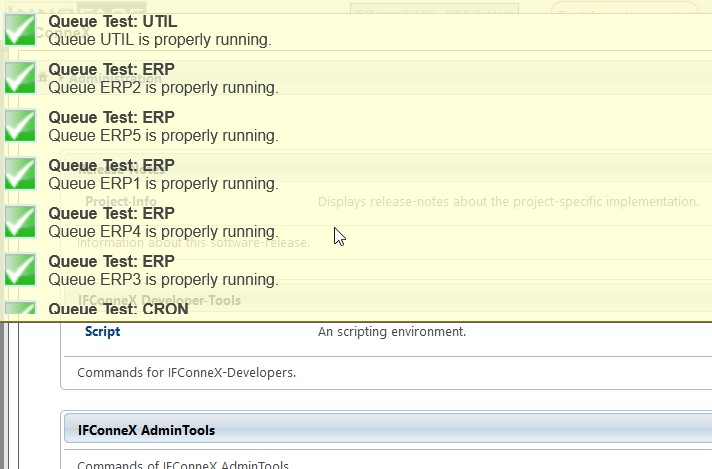
The message is displayed after the browser is refreshed and the tests are already completed at that point of time.