
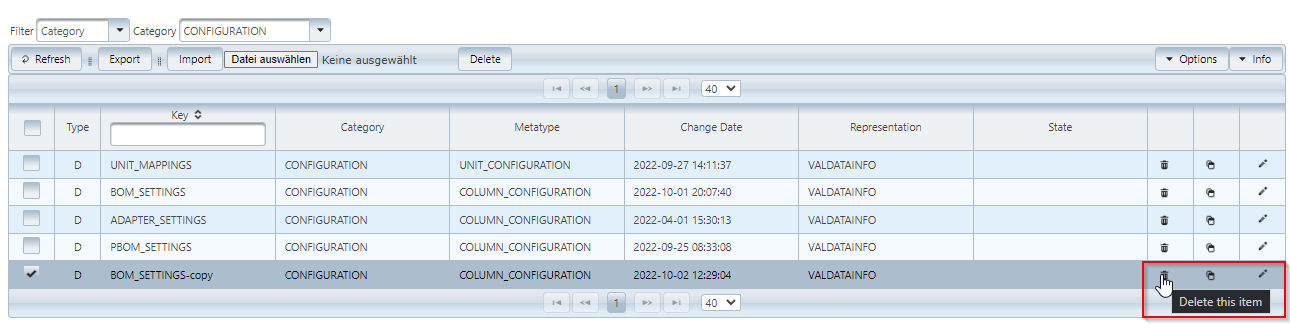
The deletion of single entries takes place via the Recycle bin symbol of the respective entry.
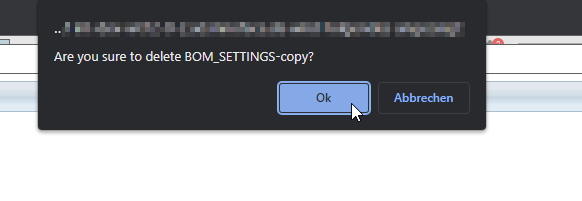
For safety reasons, the user is asked whether the entry should really be deleted.
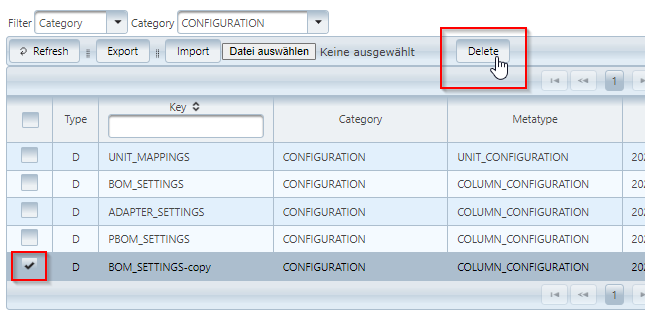
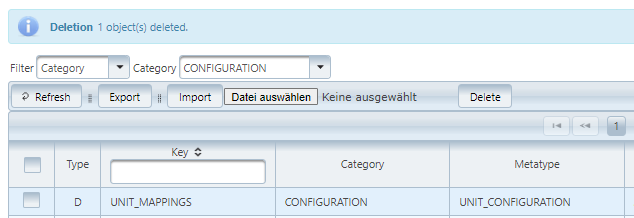
The Delete button above in the table deletes all selected entries.
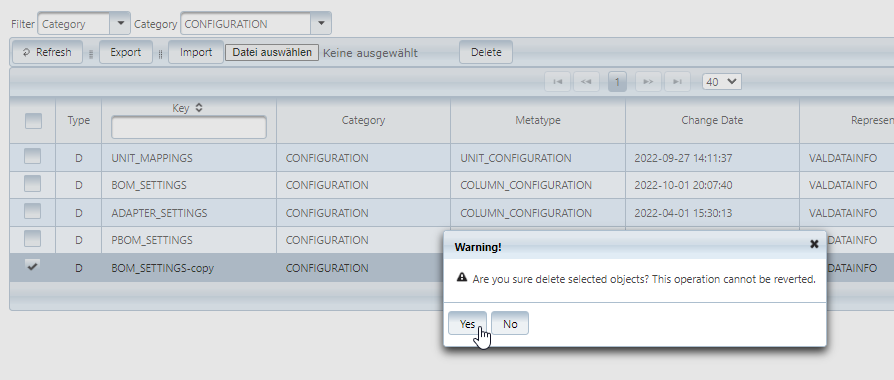
The user is asked whether the entries should really be deleted.
After the successful deletion, an information message is displayed above the table.
The deletion can not be undone, unless the entries have been exported before and can now be imported again.