
Basic system configurations are defined here.

Figure: Editable contents of the system configuration
You can use the + icon o add a system configuration:
-
Name
-
Value and
-
Description
of the configuration display in a text entry field. You can edit the table rows with the pen-icon.
Delete the created system configuration with the Recycle Bin icon at the end of the table row.
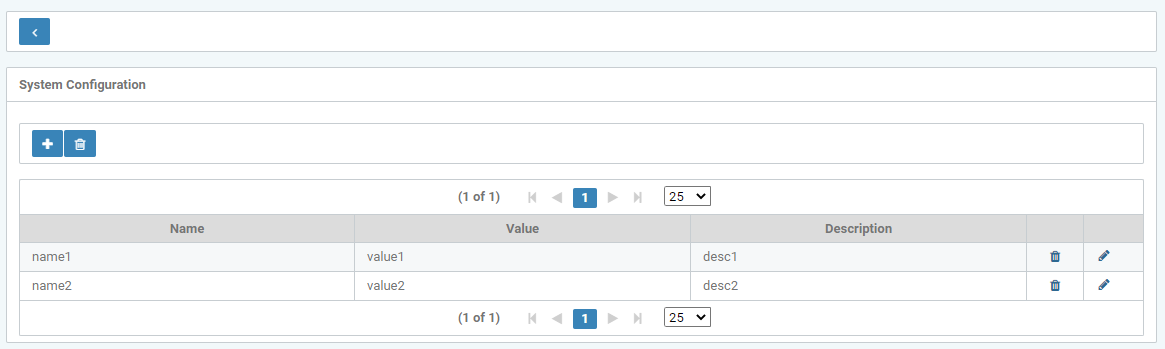
Figure: Create and edit "customer-specific settings"
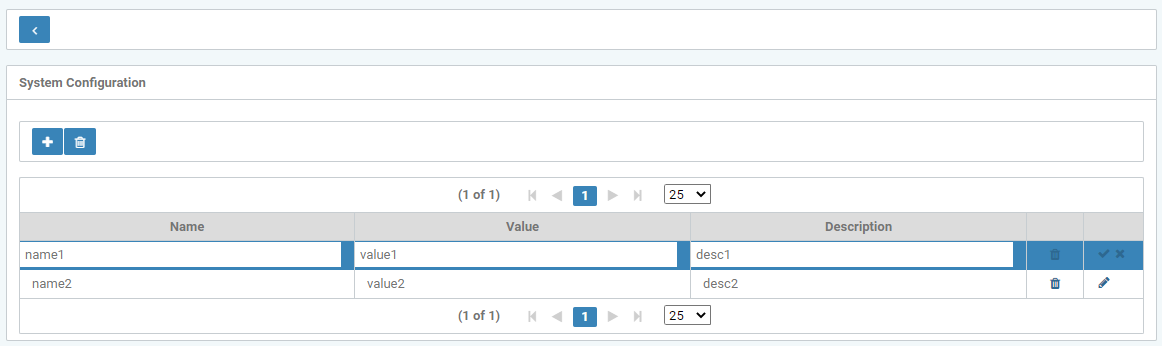
Abbildung: Edit mode
Deleting individual values there open a query dialog.
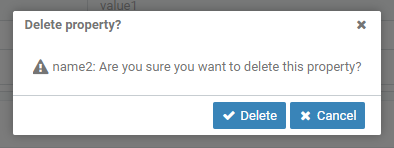
Figure: Delete property