
Import/export of the configurations
Import/export of the configurations created via XML files.

Figure: Entry level Import/Export via XML files
The export configurations can be selected via checkboxes:
-
Vaults
-
Daemons
-
Clusters
-
Distribution lists
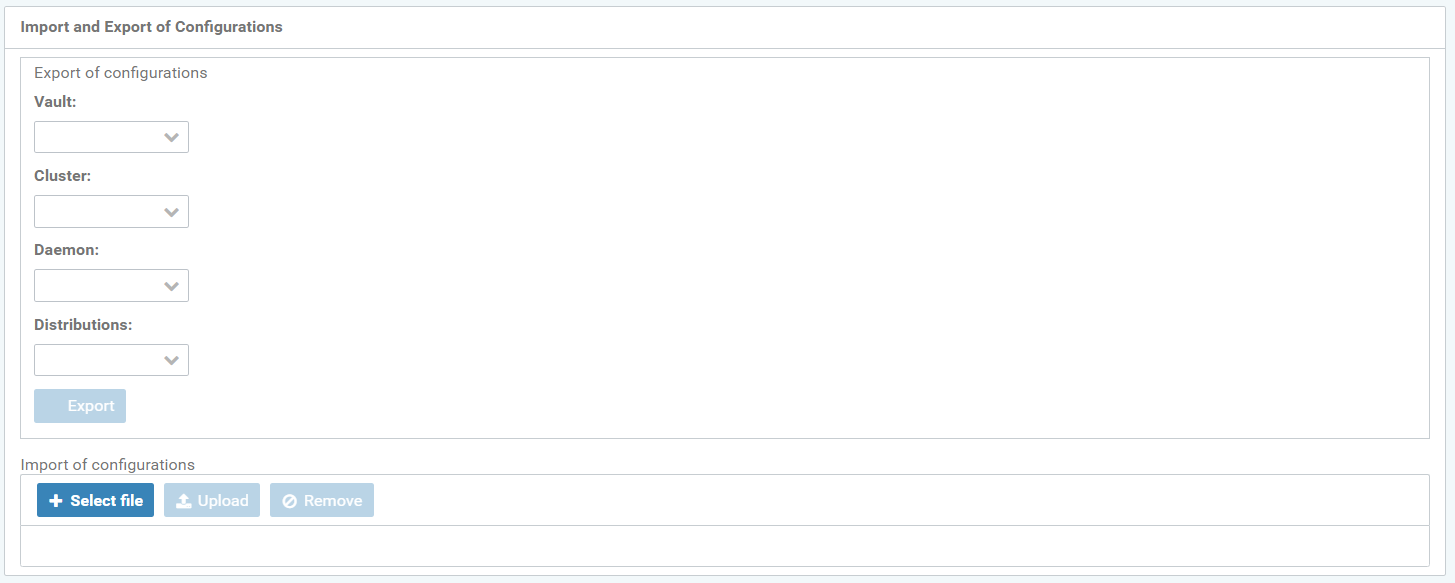
Figure: Import and export of configurations
The configurations import takes place via an XML upload.
Upload the XML file via the "File selection" button. Use the "Import" button to import the XML file.
Use the "Remove" button to delete uploaded and imported XML files.