
With Volumes for file search, you can define areas on the network that can be searched for files using the RE cockpit.

Figure: Vaults and Volumes configuration area
The icons for “Back to previous page”, “Update overview” and “Create new volume configuration” are at the top.
Previously defined volumes are shown in a table.
The columns are divided into:
-
Name
-
Description of the Volume (optional)
-
Display of the Volume configuration (Circle icon)
-
Changes to Volume configuration (Edit icon)
-
Delete this Volume configuration (Recycle bin)
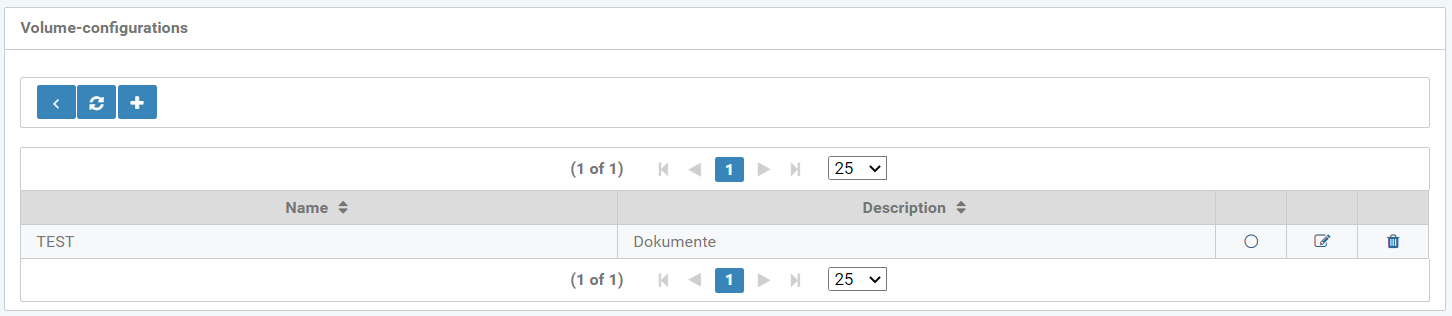
Figure: Volume configuration overview
Configure a new volume with the following parameters:
-
Name
-
Description
-
Group
-
Home directory
-
Domain
-
User name
-
Password
-
Browser
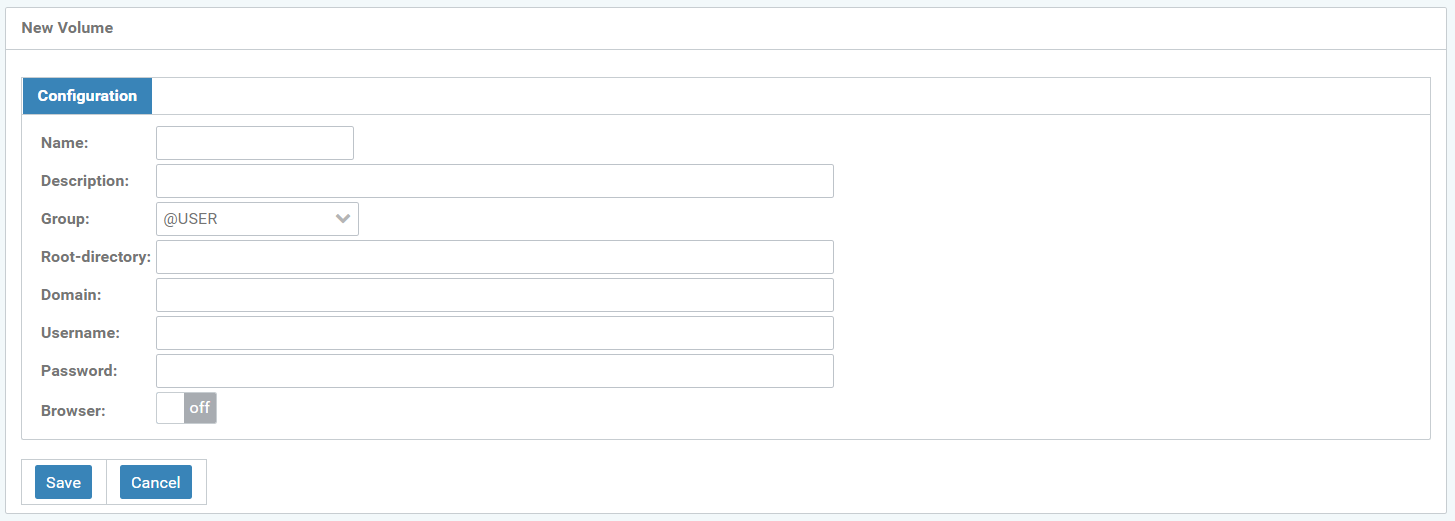
Figure: Configure new volume
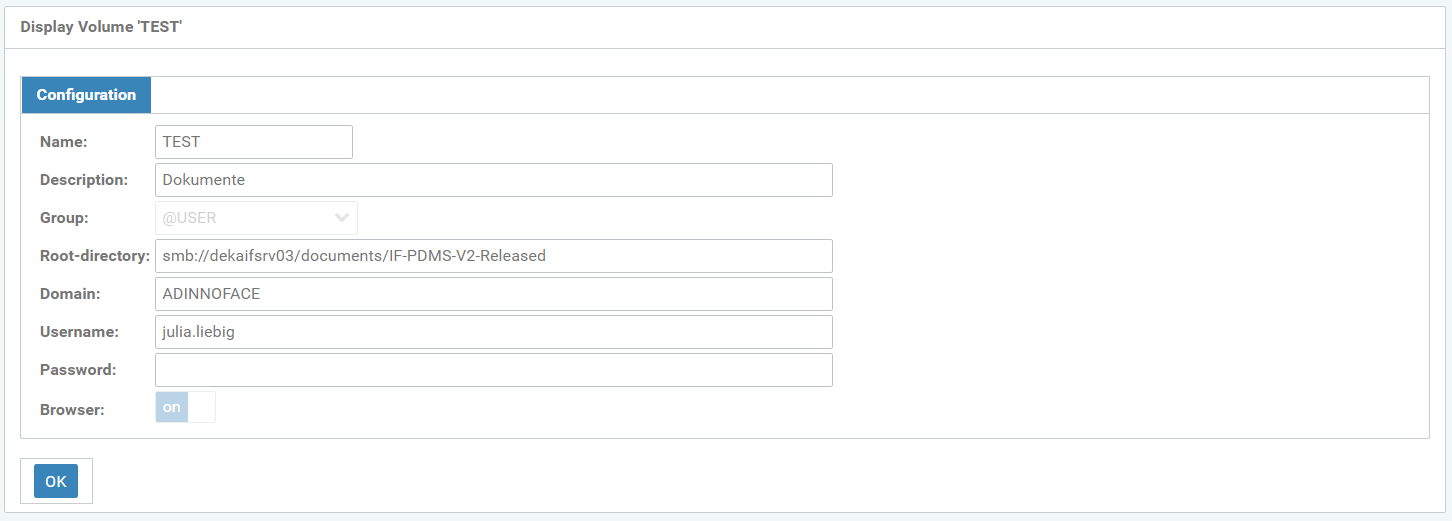
Figure: Display the "TEST" volume
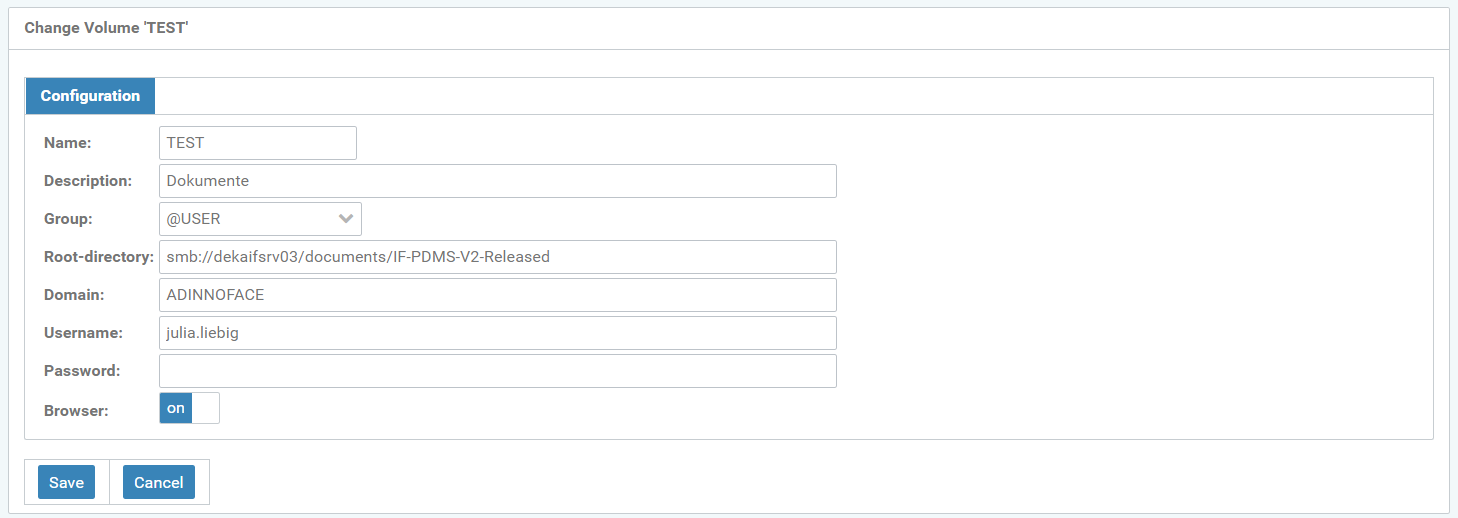
Figure: Change the "TEST" volume