
System users can be configured here.

Figure: Editable contents of the system configuration
The icons for "Back to previous page", "Update overview", "Create new system user" and "Create new system user with LDAP” are at the top of the page.
All existing system users display in a table.
The columns contain:
-
User ID (UID),
-
Type and
-
Name.
Use the Circle icon (shows the icon user) in each user line to view the settings and edit them with the Edit icon (system user changes).
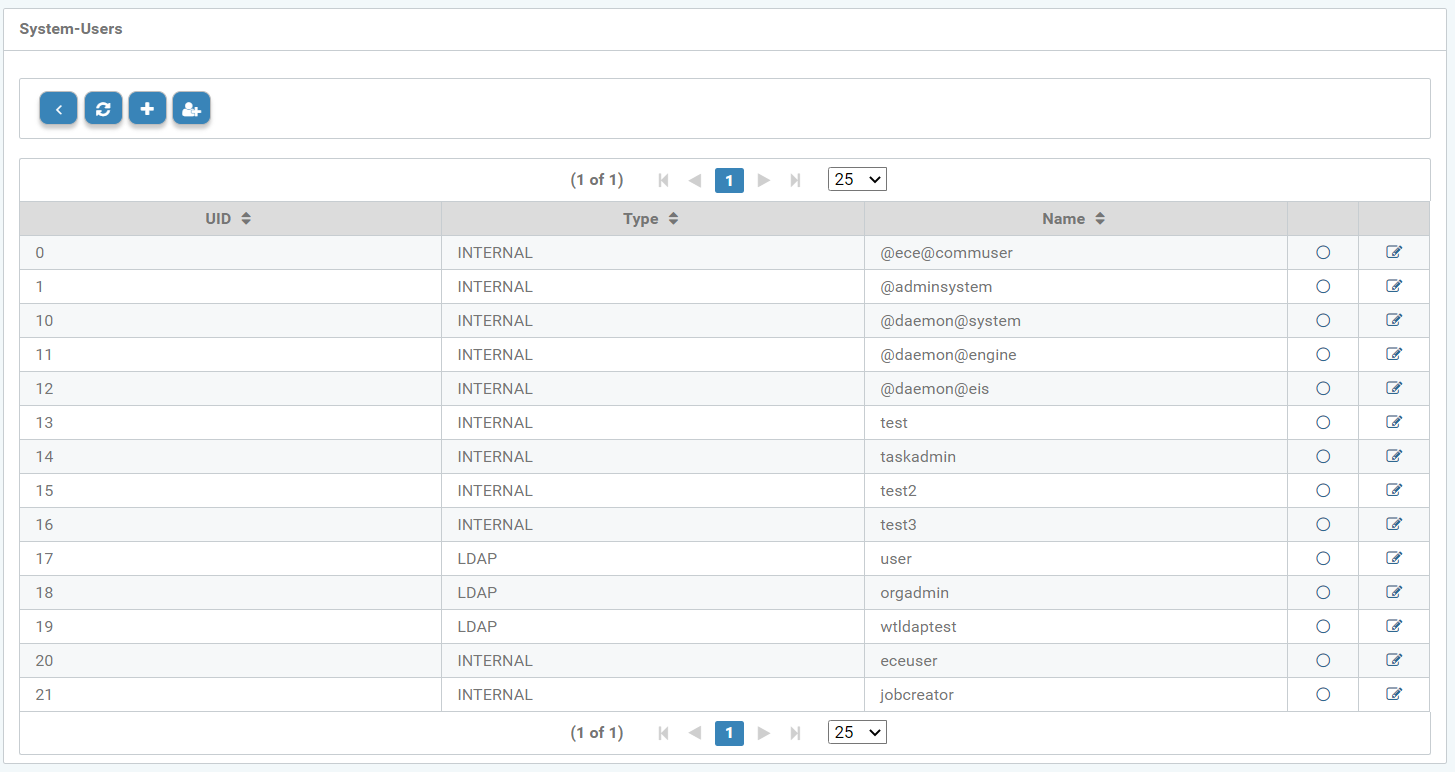
Figure: Editable contents of the user settings
Create a new system user
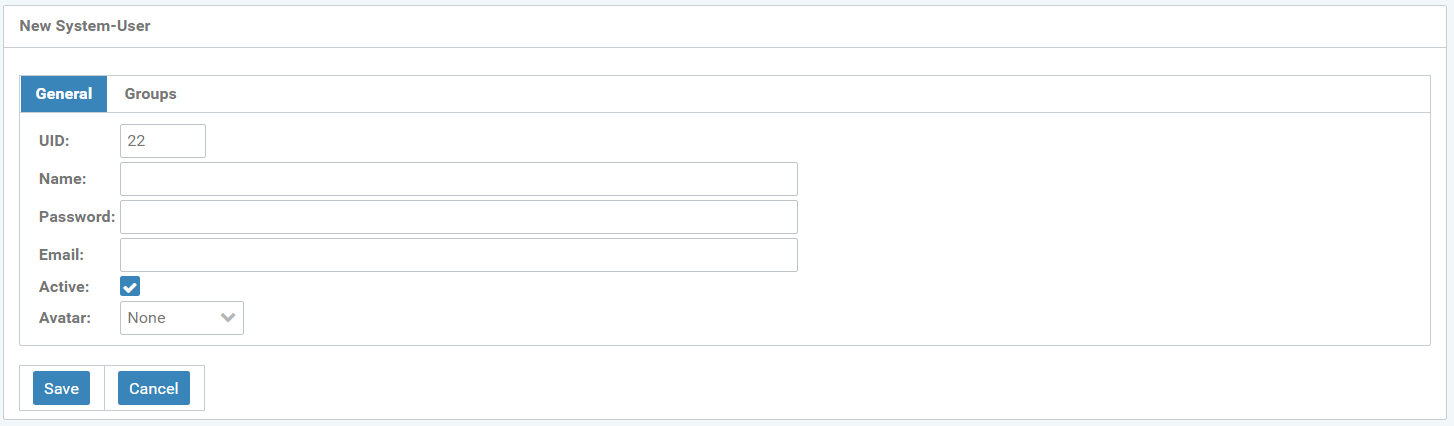
Figure: New system user - General
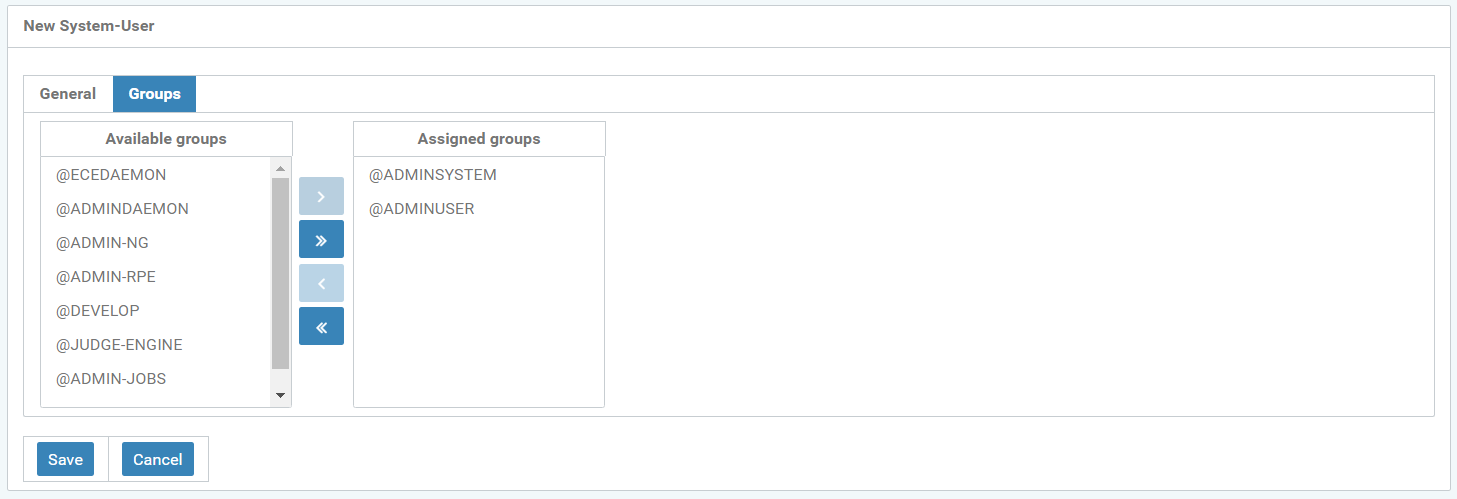
Figure: New system user - Assigned groups